
Visual and code editing
Arrange components, edit page content and styles, and continue in source when the design needs precise control.
Developer Tools
Shape the interface. Keep the source.
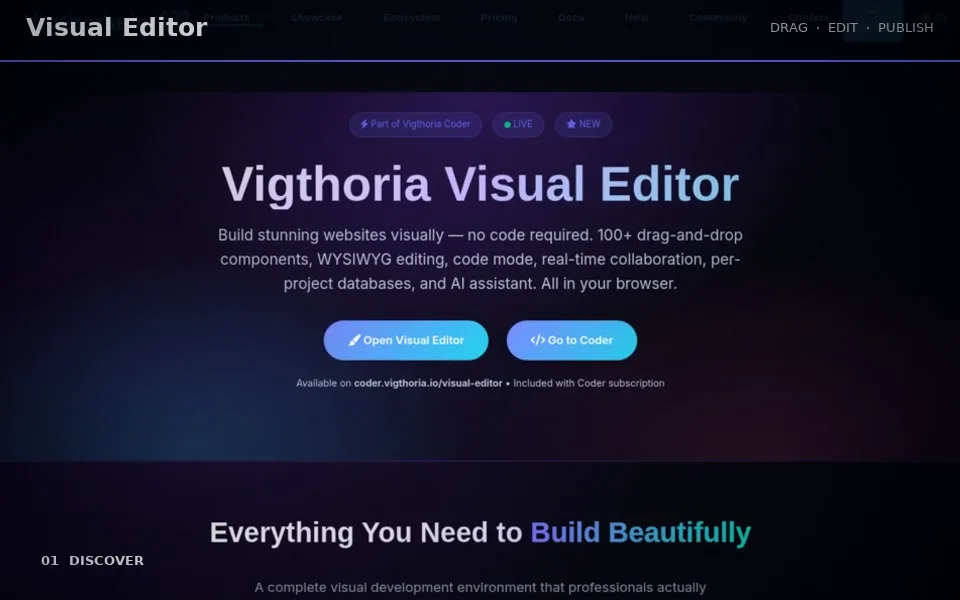
Visual Editor is Coder’s browser workspace for building and refining web pages. Combine visual page editing with project files, code, responsive previews and an AI assistant. It fits landing pages, portfolios and campaign sites that need both direct visual control and a route back into development.
Explore this product without signing in. Your account is used when you open the application.
CAPABILITIES / FUNKTIONEN
Arrange components, edit page content and styles, and continue in source when the design needs precise control.
Manage the project’s page structure and uploaded media together rather than treating each preview as a separate site.
Inspect the page at desktop, tablet and mobile sizes before publication.
Import the active Prompt Engine brief into the assistant, review it and request the next bounded page change.
Available project tools include snapshots, compare/restore, role-based team work and per-project data features. Their use follows the current project permissions.
Review the S/AEO findings and send a supported static release to hosting after checking its preview.
IDEA → WORK → REVIEW → RESULT
Create or import a project.
Build the page with visual controls or edit its source.
Check responsive views, links and imported assets.
Save a reviewed version and choose a supported publishing destination.
Editable web project files, page previews and saved project versions.
Sign in to Coder and choose a project you can edit. Team, AI, data and hosting actions follow their own permissions and account access.
Editable web project files, page previews and saved project versions.
Sign in to Coder and choose a project you can edit. Team, AI, data and hosting actions follow their own permissions and account access.
Visual editing does not automatically configure a production backend, payment account or external service. Check those integrations independently.
Shape the interface. Keep the source.