
Intent and gap analysis
Answer five focused questions with clickable suggestions and editable details before implementation begins.
Developer Tools
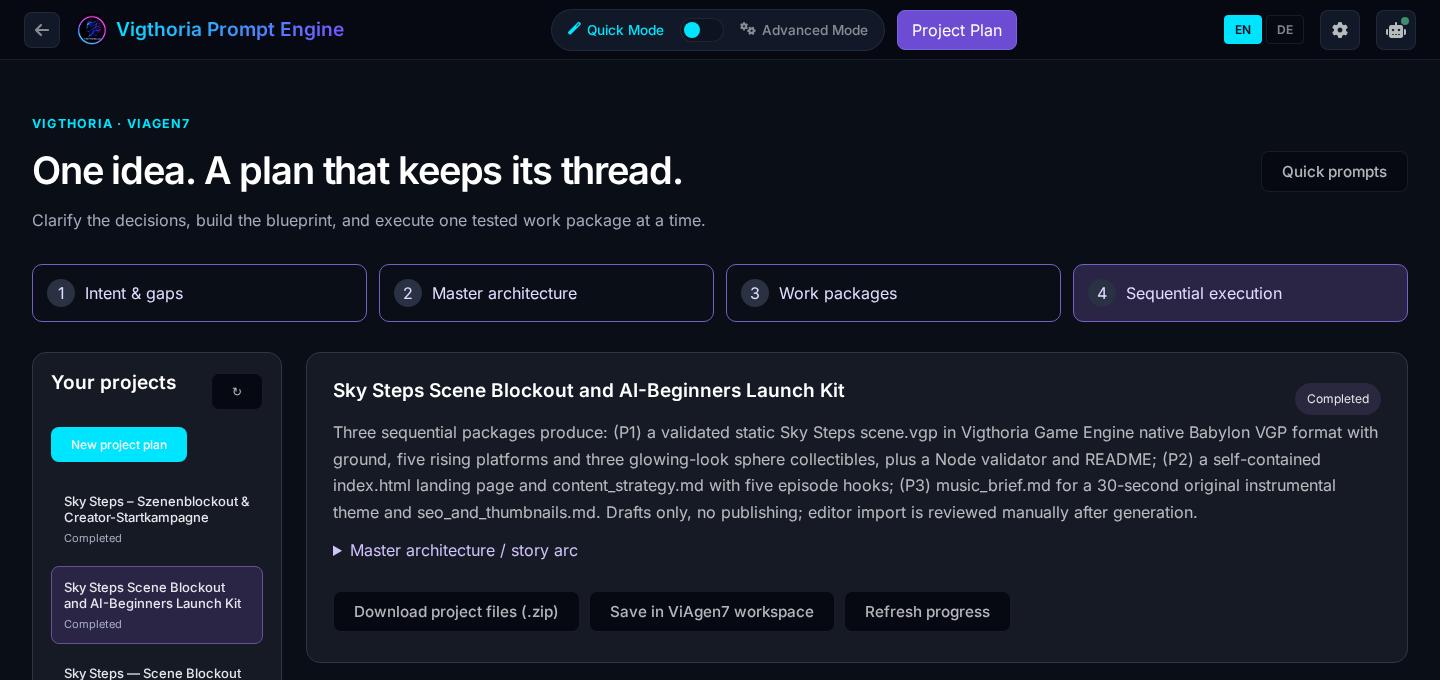
One idea. A plan that stays with the project.
Prompt Engine turns a broad idea into a reviewed architecture and sequential work packages. Clarify the important decisions, approve the blueprint and keep the master plan, shared rules and package checklists in portable project files. It connects planning to the Vigthoria applications that carry out the work.
Explore this product without signing in. Your account is used when you open the application.
CAPABILITIES / FUNKTIONEN
Answer five focused questions with clickable suggestions and editable details before implementation begins.
Review the goal, milestones, assumptions, expected files and shared project rules before approving the plan.
Load bounded context for the current task. Inspect the actual deliverables and checks, then record the checkpoint before continuing.
Review the active brief in ViAgen7 or Visual Editor. Prepare app-specific scene, content and music work without reassembling the shared project intent.
Choose an authorized Community repository. Portable files under .vigthoria/plans/ survive the repository browser, ZIP and CLI transfer.
Use CLI 2.1.2 or later, open the project in Vigthoria Code and synchronize the cloud checkpoint before the next package.
IDEA → WORK → REVIEW → RESULT
Describe the idea and clarify its missing decisions.
Review and approve the architecture.
Work through one checked package at a time.
Save progress and hand the plan to your repository or next application.
PROJECT_PLAN.md, AGENT_RULES.md, numbered package files, plan.json and a portable workloop runner.
Use your Vigthoria account. Repository writes require permission in the selected project. Execution and media production use the selected app and its account access.
PROJECT_PLAN.md, AGENT_RULES.md, numbered package files, plan.json and a portable workloop runner.
Use your Vigthoria account. Repository writes require permission in the selected project. Execution and media production use the selected app and its account access.
Save the approved plan with the project repository, retrieve the complete project and synchronize the runner with your authorized cloud checkpoint.
One idea. A plan that stays with the project.