
A clear production brief
Specify mood, genre, instrumentation and the intended duration in the fields offered by the selected generation route.
Creative Tools
Give the project its own sound.
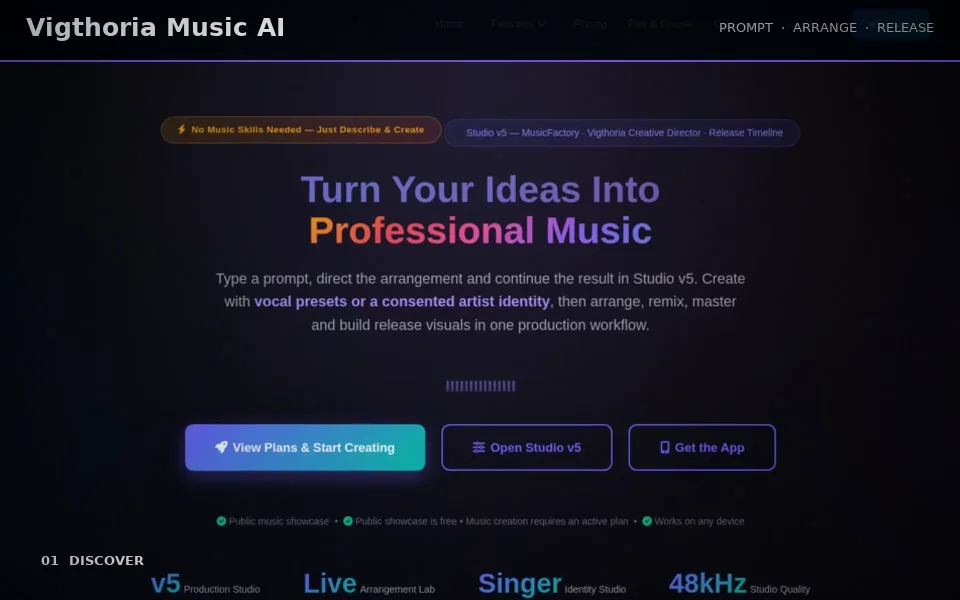
Music AI is Vigthoria’s workspace for creating and reviewing music from a brief. Describe the sound, choose the offered production settings, keep lyrics separate from instrumental direction and follow the generation job to its actual result. Listen, compare and download the track for your project.
Explore this product without signing in. Your account is used when you open the application.
CAPABILITIES / FUNKTIONEN
Specify mood, genre, instrumentation and the intended duration in the fields offered by the selected generation route.
Choose the offered instrumental or vocal mode. Use lyrics and vocal instructions only when the chosen route supports them.
Follow queued or running work and inspect the completed result in your own library.
Listen to the generated track and use the download formats actually offered for that result.
Prompt Engine prepares a music brief and review dialog so sound direction and selected settings arrive together.
IDEA → WORK → REVIEW → RESULT
Describe the track and select an offered generation mode.
Review lyrics, instrumental direction and production settings.
Start production and inspect the actual job state.
Listen to the result and download the version you want to use.
Generated audio, library entries and the result’s supported downloadable files.
Use your Music AI account. Available models, vocal features, duration, queue capacity and provider costs follow the selected route and entitlement.
Generated audio, library entries and the result’s supported downloadable files.
Use your Music AI account. Available models, vocal features, duration, queue capacity and provider costs follow the selected route and entitlement.
Target duration and creative direction are requests, not a guarantee of exact musical output. Voice identity and third-party material need the applicable usage rights.
Give the project its own sound.